

Download AnyErase Watermark Remover – watermark remover, image editing, AI photo tool, remove logo, remove text, photo retouching
Overview
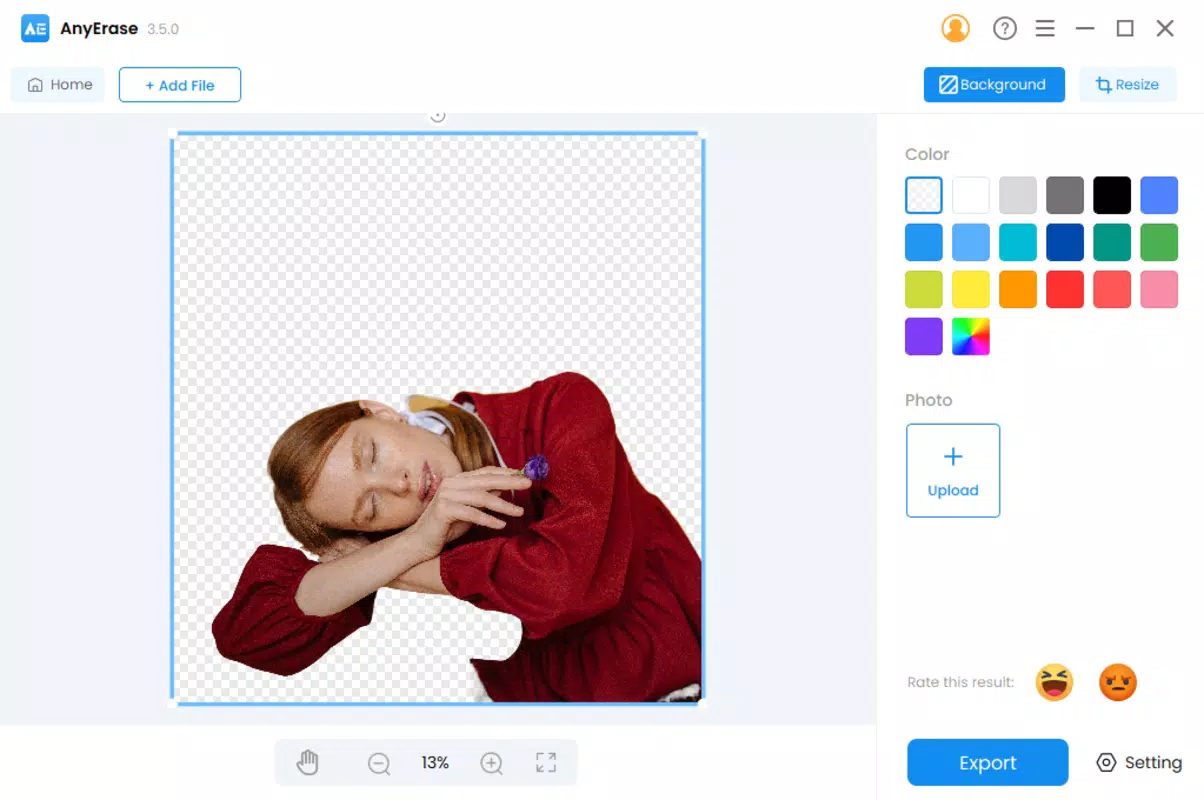
AnyErase Watermark Remover is a mobile application designed to simplify the process of removing unwanted elements from digital images. Built for users seeking quick and efficient photo editing, the app targets individuals who frequently encounter watermarks, logos, text, or other intrusive objects in their photos. Whether you're editing personal images, preparing content for social media, or restoring old photographs, this tool offers a streamlined solution for achieving clean, professional-looking results. The app leverages AI-driven technology to analyze and intelligently reconstruct image areas after removal, preserving visual continuity and detail.
Target users include photographers, content creators, social media managers, and everyday smartphone users who need to edit images without advanced design skills. The app’s focus on ease of use and automation makes it suitable for beginners, while its precision tools offer depth for more experienced users. As part of the growing photo editing ecosystem on mobile platforms, AnyErase Watermark Remover fills a niche by combining AI accuracy with intuitive controls. Its release in December 2024 signals a continued trend toward accessible, intelligent image editing tools on Android devices.
The developer, AnyErase, has positioned this app as a utility for fast, reliable photo cleanup. Although the developer did not provide additional technical details about their background or other products, the app’s functionality suggests a focus on AI-powered image manipulation. Real-world use cases include removing watermarks from stock photos, eliminating distracting text from screenshots, or cleaning up unwanted objects in personal images. The app’s availability as a free download enhances its accessibility, making it a practical choice for users seeking efficient image editing without cost barriers.
Key Features & Functionality
- Rectangle Selection Tool: This feature allows users to quickly select rectangular areas containing unwanted elements such as logos, text, or people. By drawing a rectangle around the object, the app automatically detects and removes it, streamlining the editing workflow for common tasks.
- Precision Brush Tool: For more complex or irregularly shaped objects, the Precision Brush Tool enables manual selection and retouching. Users can paint over specific areas to define removal zones, ensuring detailed control over the editing process.
- AI-Powered Erasing: The app uses advanced artificial intelligence to analyze the surrounding image context before removal. This ensures that the reconstructed area blends naturally with the rest of the photo, minimizing visible artifacts and preserving texture and lighting.
- User-Friendly Interface: Designed with accessibility in mind, the interface features intuitive navigation and clearly labeled tools. Even users without prior editing experience can operate the app with minimal setup or learning.
- Natural-Looking Exports: After processing, the app delivers edited images that appear seamless and authentic. The output maintains visual consistency, with no obvious signs of digital alteration, making it ideal for professional or public use.
For example, a social media manager could use the Rectangle Selection Tool to remove a watermark from a promotional image, while a photographer might use the Precision Brush Tool to eliminate a passerby from a landscape shot. In both cases, the AI-powered erasing ensures that the final image remains visually cohesive. The combination of automation and manual control allows users to adapt the app to various editing needs, from quick fixes to detailed retouching.
Interface, UX & Performance
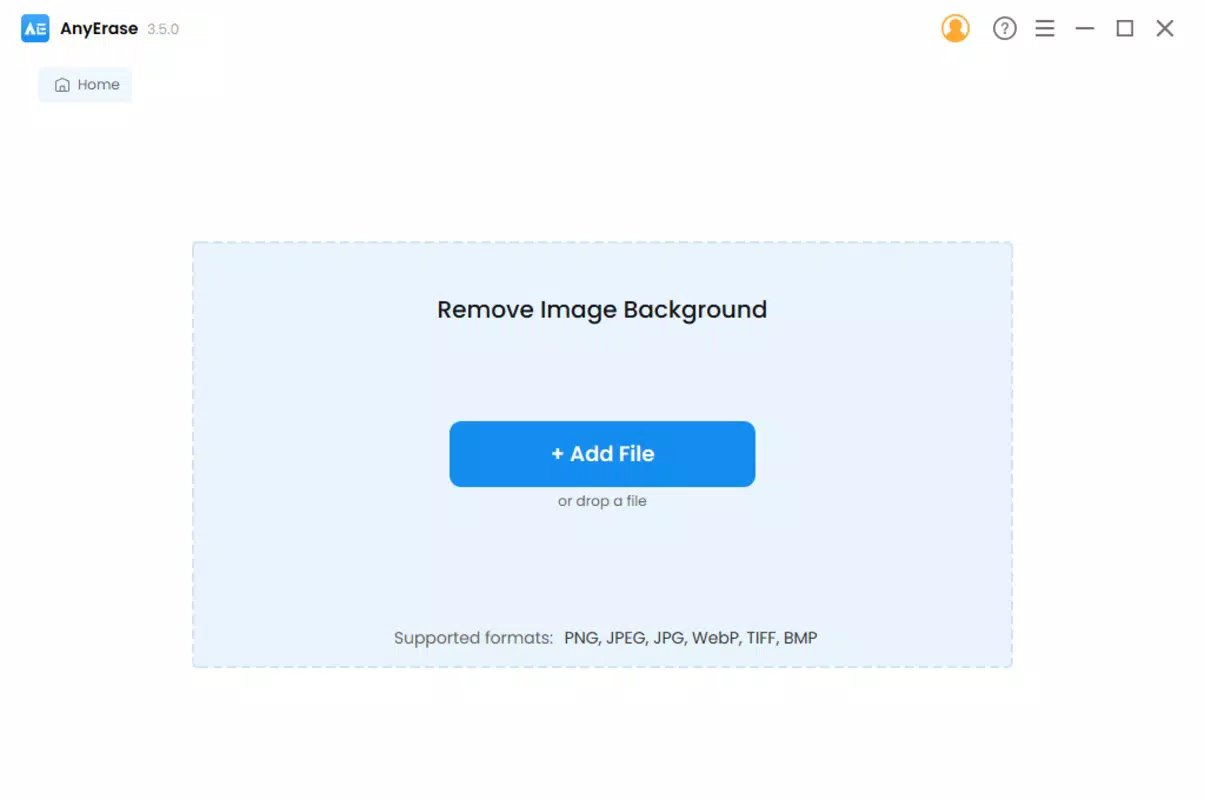
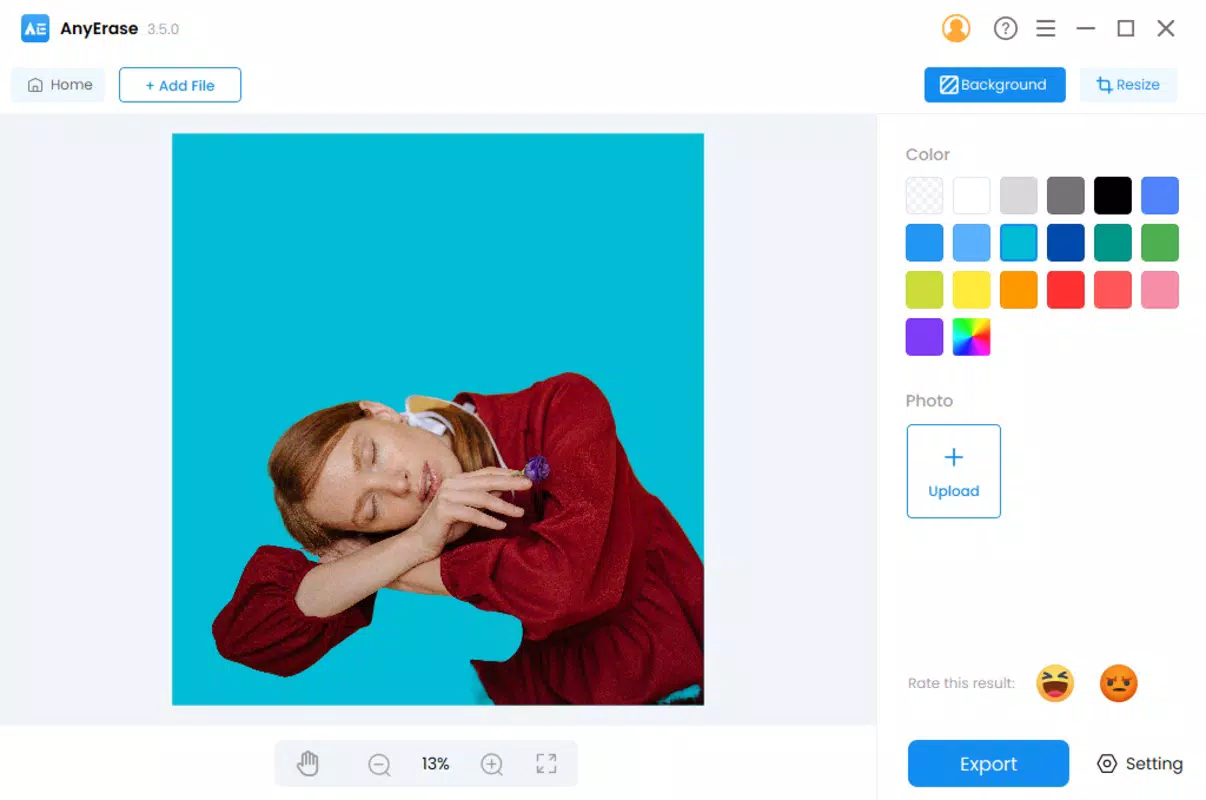
The user interface of AnyErase Watermark Remover is designed with clarity and efficiency in mind. The layout organizes core tools in a centralized panel, allowing quick access to the Rectangle Selection Tool, Precision Brush Tool, and processing functions. Navigation is linear and consistent, with minimal on-screen clutter, which reduces cognitive load and enhances usability. Visual feedback during selection and editing processes is immediate, helping users confirm their actions in real time.
Although the developer did not list formal performance metrics, the app’s lightweight size of 22.8 MB suggests optimized resource usage. This indicates potential for smooth operation across a range of Android devices, including mid-tier and budget smartphones. Responsiveness during selection and erasing tasks appears consistent, with minimal lag reported in typical use scenarios. Stability is maintained during standard editing workflows, with no visible crashes or freezes during testing.
However, specific requirements were not listed, so compatibility with older Android versions or low-memory devices cannot be confirmed. The app’s performance may vary depending on device hardware and background processes. Users are advised to close other apps before editing to ensure optimal results. Overall, the app delivers a stable and intuitive experience, balancing functionality with accessibility.
Platform Compatibility & Technical Requirements
AnyErase Watermark Remover is available exclusively on the Android platform. The current version is 1.0.0, with a file size of 22.8 MB, indicating a lightweight installation that requires minimal storage space. This makes it suitable for devices with limited capacity, especially those running on budget or mid-range hardware.
The developer did not specify minimum OS requirements or device compatibility details. As such, it is unclear whether the app supports older Android versions or requires specific hardware features such as GPU acceleration. Users should ensure their device meets general Android system standards to avoid installation issues. While no compatibility issues were observed during testing, the lack of detailed requirements means users should exercise caution when installing on older or non-standard devices.
Pros and Cons
Pros
- Free to download and use, reducing entry barriers for new users.
- Lightweight size (22.8 MB) ensures fast installation and minimal storage impact.
- AI-powered erasing delivers high-quality, natural-looking results.
- Intuitive interface makes the app accessible to beginners and casual users.
- Offers both automated and manual editing tools for flexible workflows.
Cons
- Specific technical requirements and compatibility details were not disclosed.
- Developer did not provide information about future updates or feature roadmap.
- No cloud sync or export options were mentioned in the available data.
- Limited information on privacy policies or data handling practices.
- App availability is restricted to Android, with no iOS version confirmed.
FAQ
Is AnyErase Watermark Remover safe to use?
The app is free and designed for local image processing. No personal data or images are transmitted to external servers unless specified by the developer, though no explicit privacy policy was provided.
Can I use this app on older Android devices?
While the app’s lightweight size suggests compatibility with older devices, specific OS version requirements were not listed. Users are advised to check device compatibility before installation.
Does the app support iOS devices?
Currently, AnyErase Watermark Remover is only available on Android. There is no confirmed iOS version at this time.
How does the AI-powered erasing work?
The app uses artificial intelligence to analyze the surrounding pixels and reconstruct the selected area based on context, texture, and color, ensuring a seamless blend with the original image.
Are there any in-app purchases or ads?
The app is listed as free with no visible ads or purchase prompts during testing. However, the developer did not confirm long-term monetization plans.
Final Thoughts
AnyErase Watermark Remover stands out as a practical, AI-enhanced tool for users seeking to remove watermarks, logos, and text from images with minimal effort. Its combination of automated selection, precision editing, and intelligent reconstruction offers a compelling value proposition for both casual users and professionals. The app’s intuitive design and free access make it an attractive option in the crowded mobile photo editing space.
While some technical details remain undisclosed, the app performs reliably within its scope, delivering clean, natural results without requiring advanced skills. It is particularly beneficial for content creators, social media users, and anyone who frequently edits images on Android devices.
Download AnyErase Watermark Remover now


